
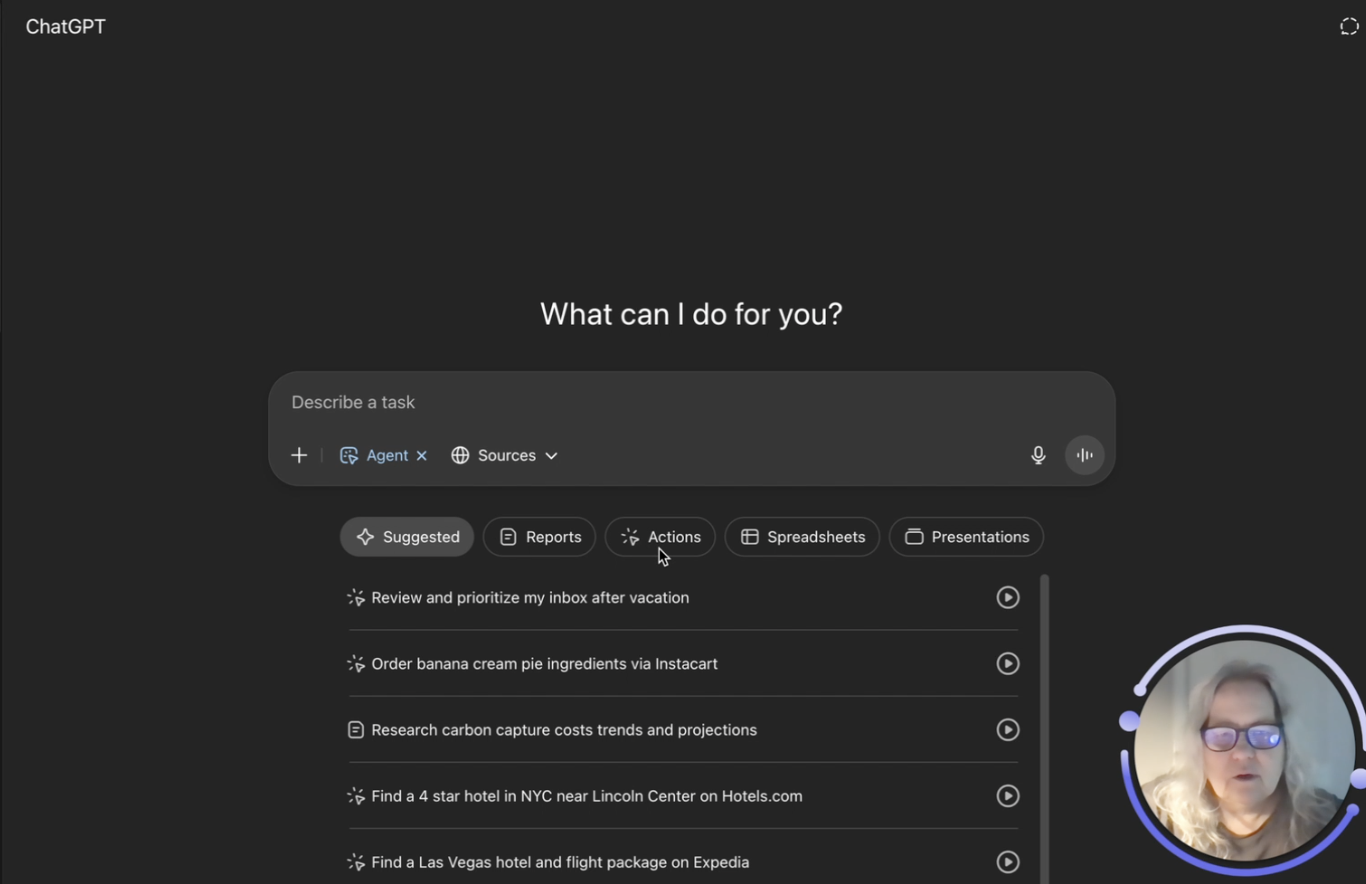
What Is ChatGPT Agent Mode?
ChatGPT Agent Mode is a powerful new feature from OpenAI that allows ChatGPT to operate more independently and perform real-world tasks for you. Instead of just answering questions or generating text, Agent Mode gives ChatGPT its own virtual computer to complete multi-step jobs like browsing the web, creating documents, analyzing data, and even initiating actions like booking reservations or shopping online.
It combines the best features of:
- Operator (clicks, interacts with websites)
- Deep Research (reads and summarizes info from many sources)
- Classic ChatGPT (conversational fluency and reasoning)
Key Takeaways:
- Autonomy: Agent Mode can work on complex tasks without needing constant user input.
- Virtual Desktop: It operates in its own environment with browser, terminal, and document apps.
- Tool Integration: It connects with tools like Google Calendar, Gmail, Drive, Amazon, and more.
- Editable Outputs: Generates presentations, spreadsheets, markdown reports, and more.
- Session Logs: You can see every step the agent took in a replayable log.
What Can You Use It For? (Real Examples)
- Customer Research: Analyze competitors, summarize online reviews, and get strategic insights.
- Content Planning: Review social media data, suggest new posts, and draft captions.
- Time Management: Audit your calendar to see where your time goes—and how to use it better.
- Admin Tasks: Shop online, book meetings, organize inboxes, or summarize emails.
- Business Reports: Generate slide decks and spreadsheets from your data.
How to Use It (Simple Steps)
- Start a New Chat
- Choose “Tools” → Click Agent Mode
- Describe Your Task
- Be specific: e.g., “Audit my calendar and suggest time-saving changes.”
- Authorize Tools
- Connect your email, calendar, or drive if needed.
- Let It Run
- You can walk away—it’ll show progress logs when done.
- Review and Refine
- Download editable results, or follow up with new instructions.
Tips for Beginners
- Start with one simple task before combining workflows.
- Use it for things you would normally hire a VA for.
- Don’t expect perfection—treat it like an eager but inexperienced assistant.
- Keep sensitive logins out unless you trust the environment.
Final Thought:
Agent Mode isn’t perfect—but it’s powerful. Think of it as your first AI intern. It won’t get everything right, but it will give you time back and help you move faster. The better your prompt, the better the results.
Try it, test it, tweak it. You’ll be surprised what it can do for your solo business.
Visit EcoTekSocial.com or join our AI SPARK STARTERS Skool community for walkthroughs, demos, and support.